

How it works
From still to motion in three steps
No film crew, no editing suite, no extra shoot day.
-
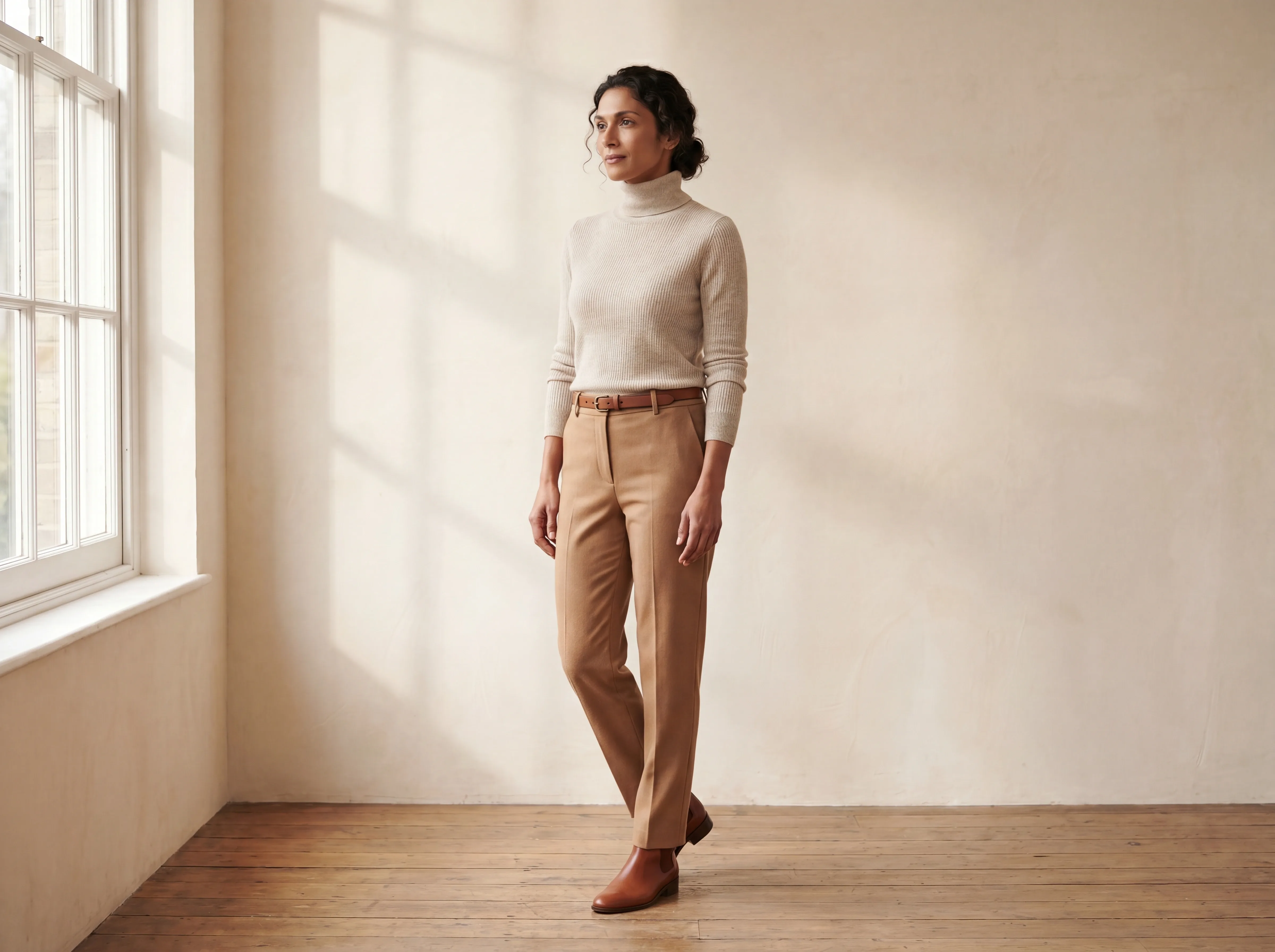 01
01Pick a photo
Any finished shot in your studio works.
-
 02
02Set the moment
Choose the length and feel of the clip.
-
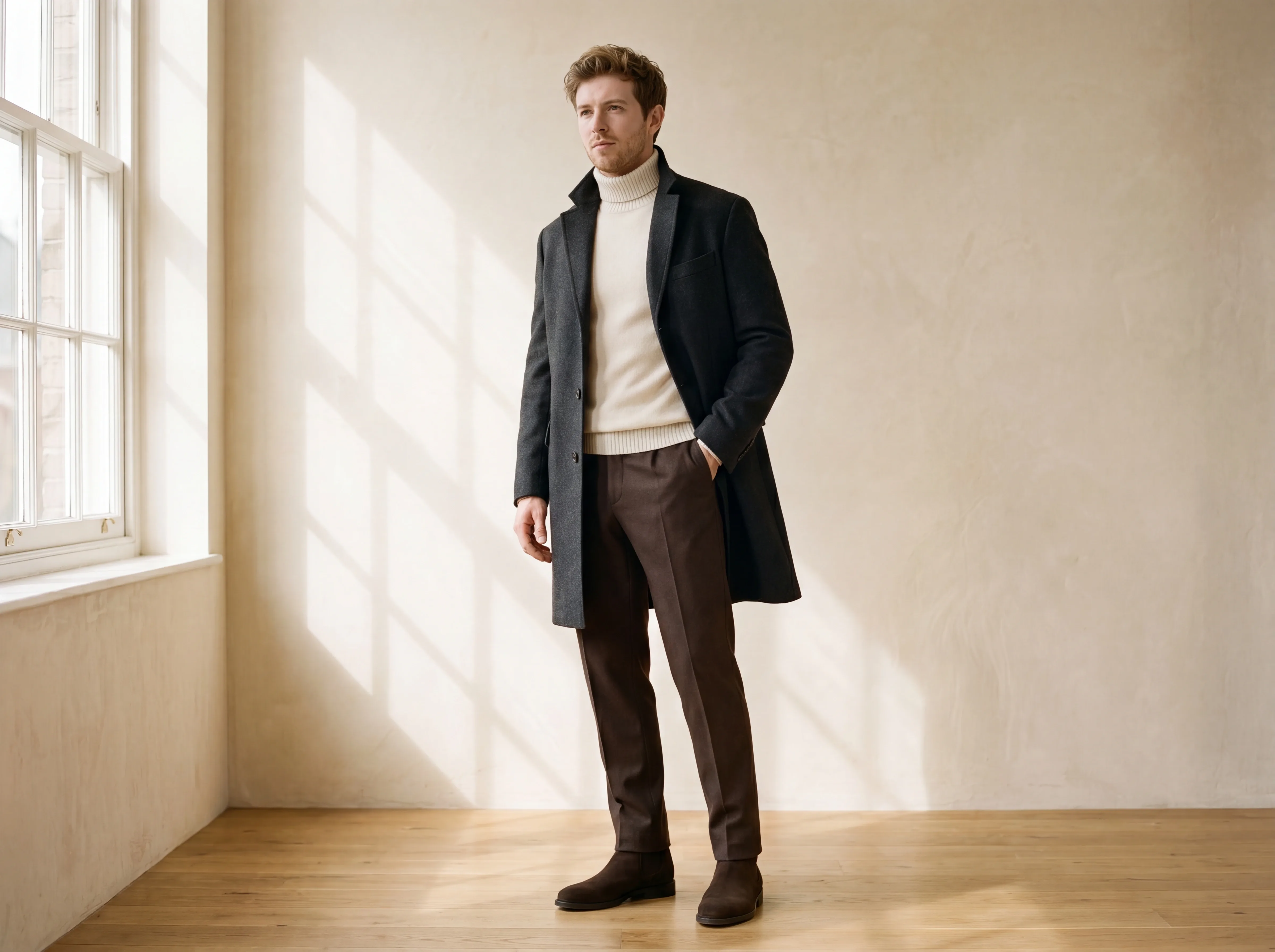 03
03Publish the video
A short clip, sized for feeds and product pages.
Stills become motion
Your catalog, moving
A product video used to be a separate project. Now it is one decision away from any photo you already have.

Live Video questions
What is Live Video and how does it work?
Live Video turns a single finished photo into a short, hyper-realistic motion clip — no filming and no editing. You pick a still from your studio, choose the length and feel, and Fashify generates a clip of the model walking or turning, or the product rotating, in minutes.
How long are the clips?
Clips come in two lengths: 5 seconds or 10 seconds. The shorter clip suits feeds and product pages, while the 10-second version gives more room for a full walk or a complete product turn.
What resolution do the videos come in?
Live Video clips are delivered as polished, high-resolution motion ready for product pages, ads and social. They share the same studio-grade finish as Fashify stills, which output up to 4K.
Can I animate a product without a model?
Yes — Live Video can rotate a product on its own, with no model in frame. A flat shot, a ghost-mannequin still or a packshot can become a clean product turn that shows shape, fabric and detail from every side.
Do I need a video file, or just a photo?
You only need a single still photo — there is no video file to record, upload or edit. Fashify generates the entire clip from that one finished image.
Where can I use these clips?
Use Live Video clips anywhere a product gains from motion — product detail pages, paid ads and social feeds like Instagram, TikTok and Reels. Because they start from a still you already approved, they stay on-brand across every placement.
How much does a Live Video clip cost?
Live Video is credit-based, with a 5-second clip costing 30 credits and a 10-second clip 60 credits. There are no per-seat fees, and you can start on the free tier before topping up.