
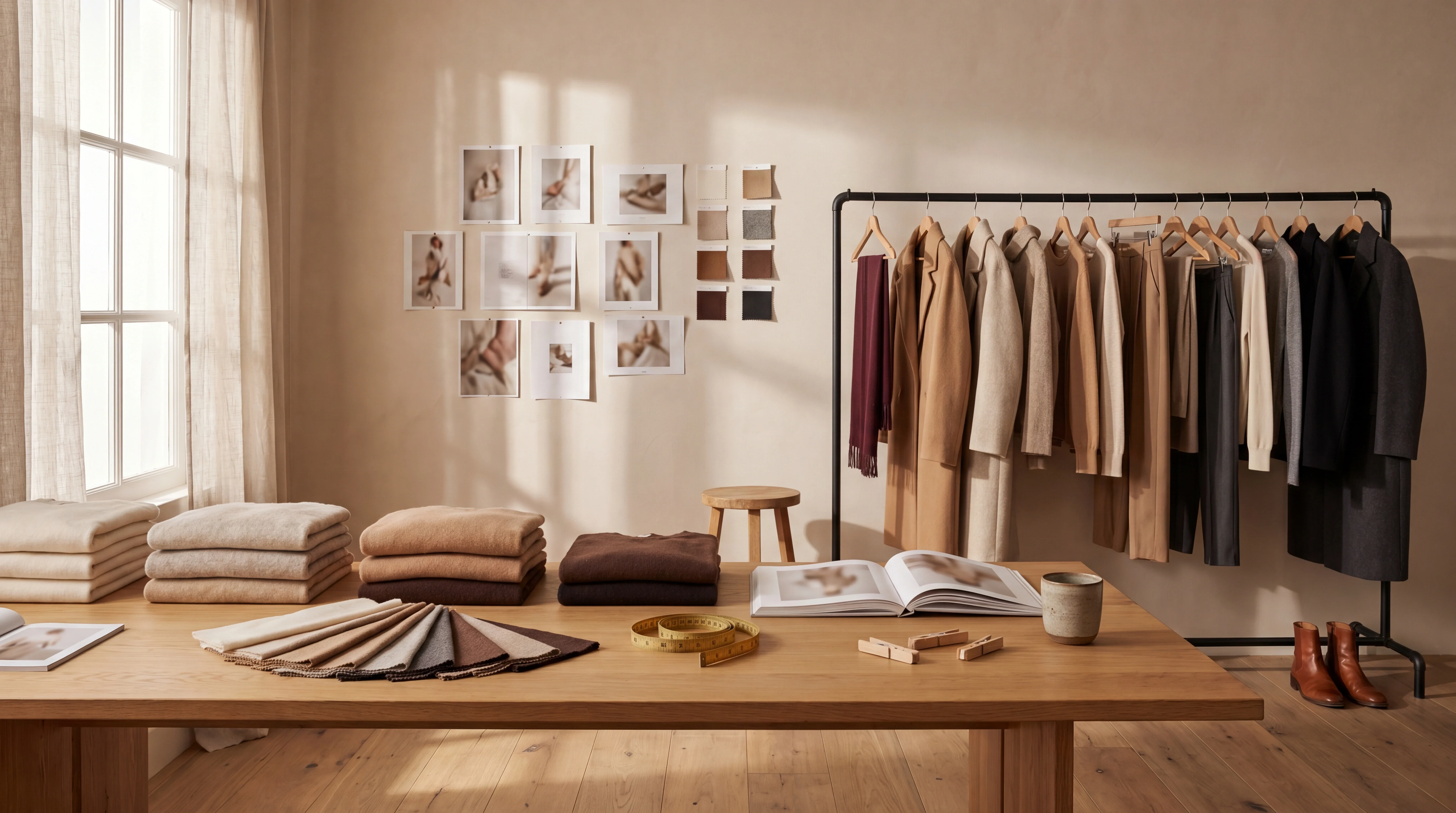
Editing
Fix a detail without reshooting
When a frame is almost perfect, change only what needs changing.
-
 01
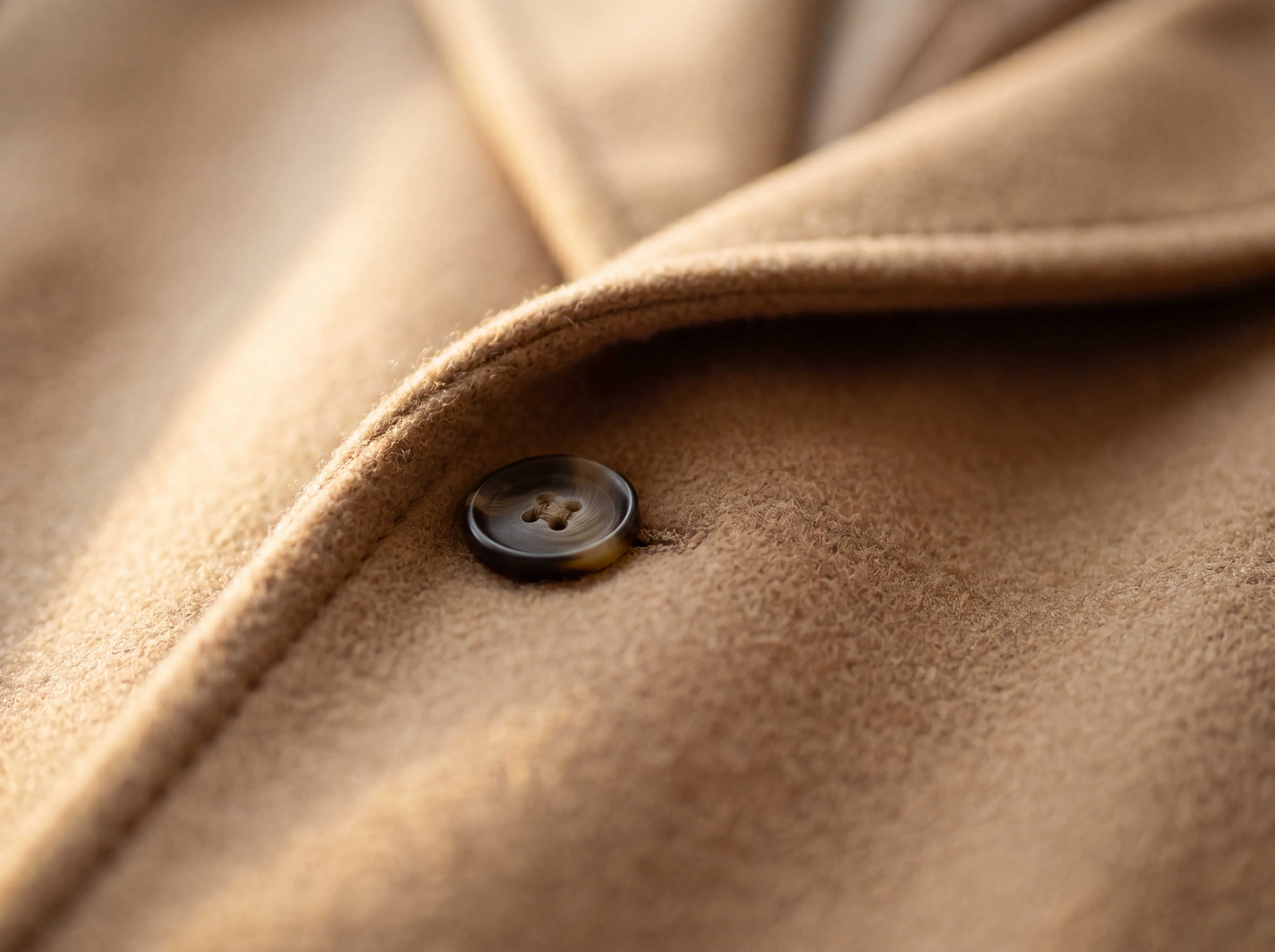
01Brush the area
Paint over the region you want to change.
-
 02
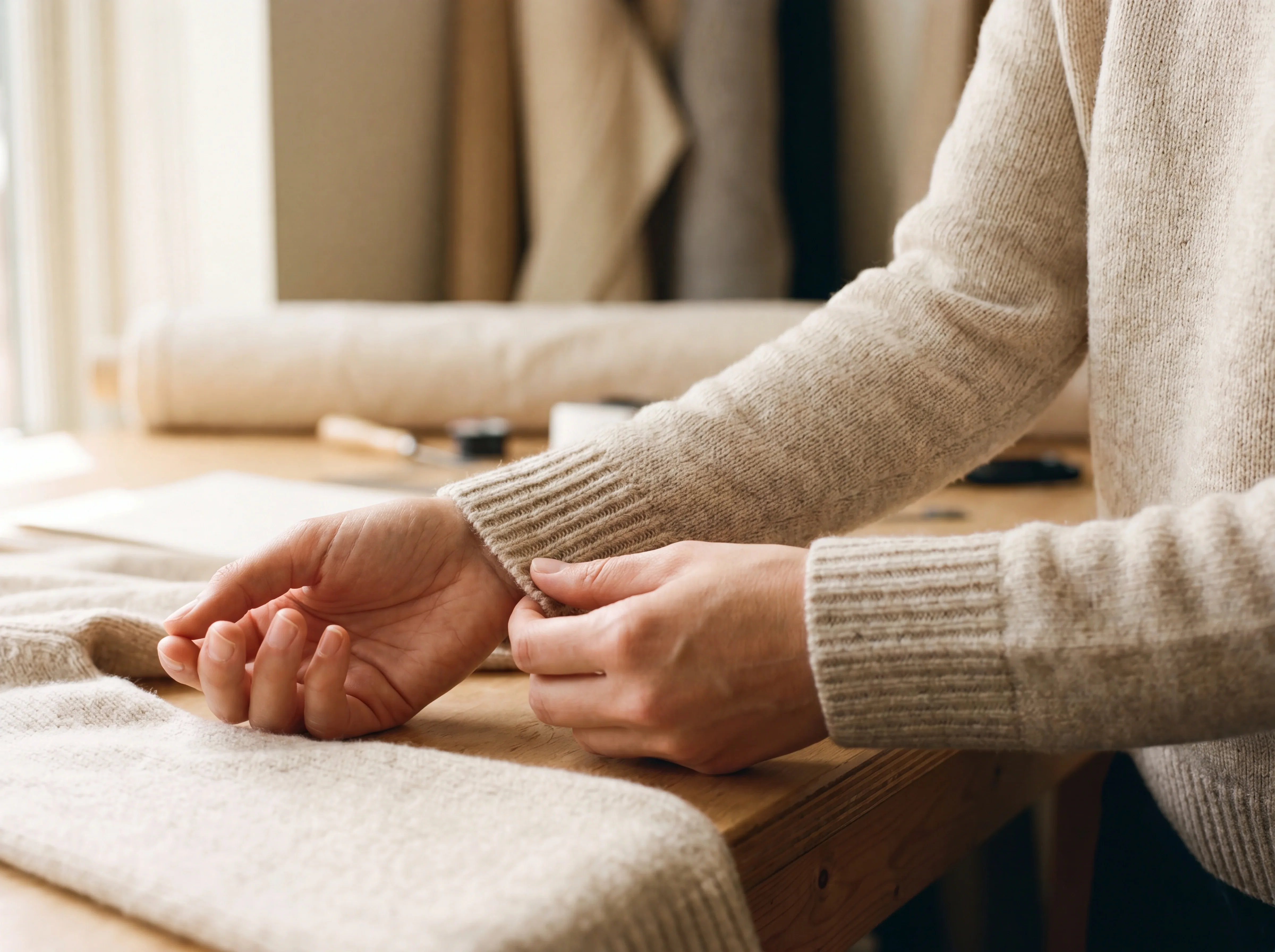
02Describe the fix
Say what should change, in plain words.
-
 03
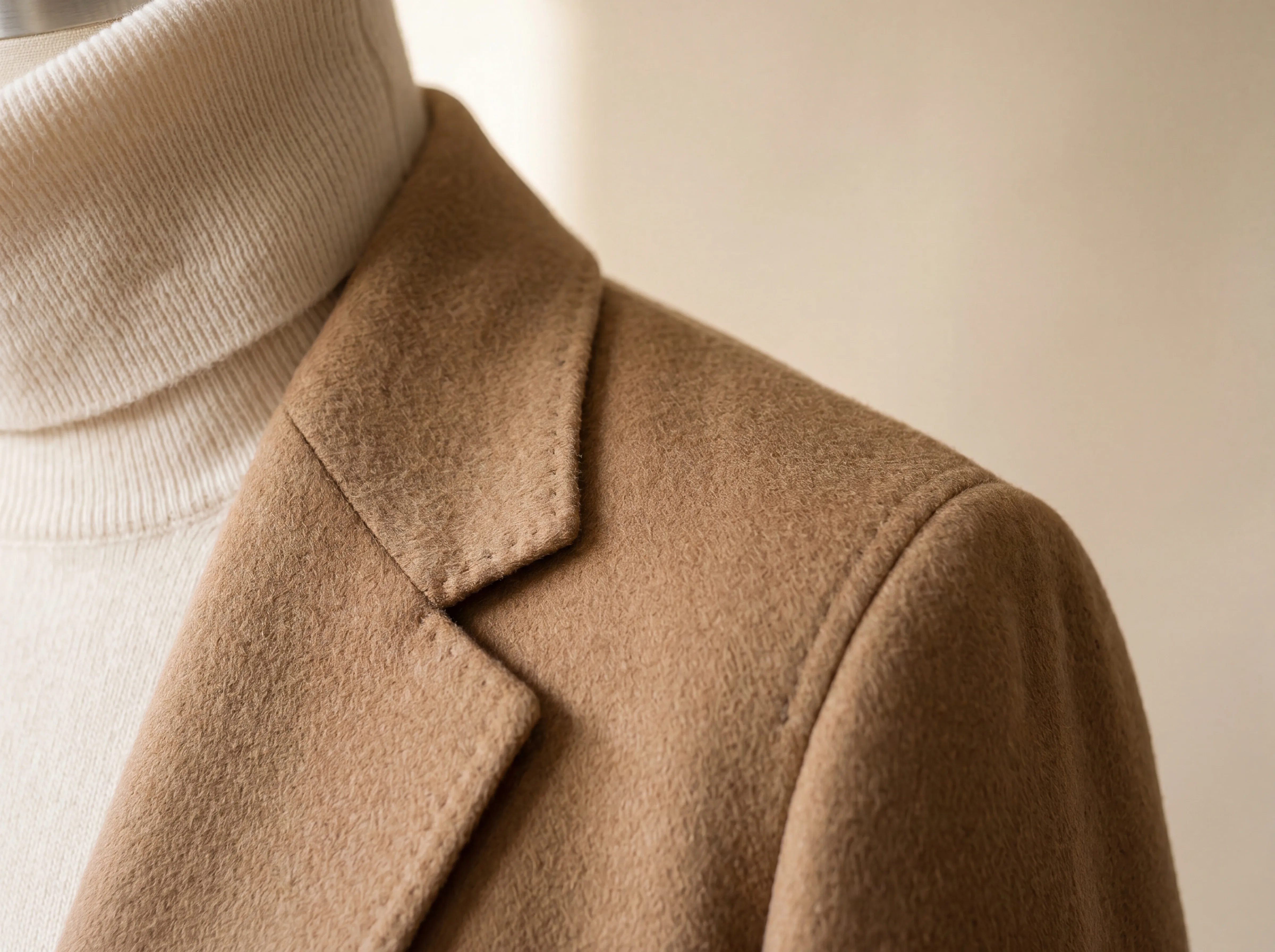
03Regenerate
Only that area updates; the rest stays identical.
A production desk
Built the way catalog teams work
Not a downloads folder. A place to keep producing.
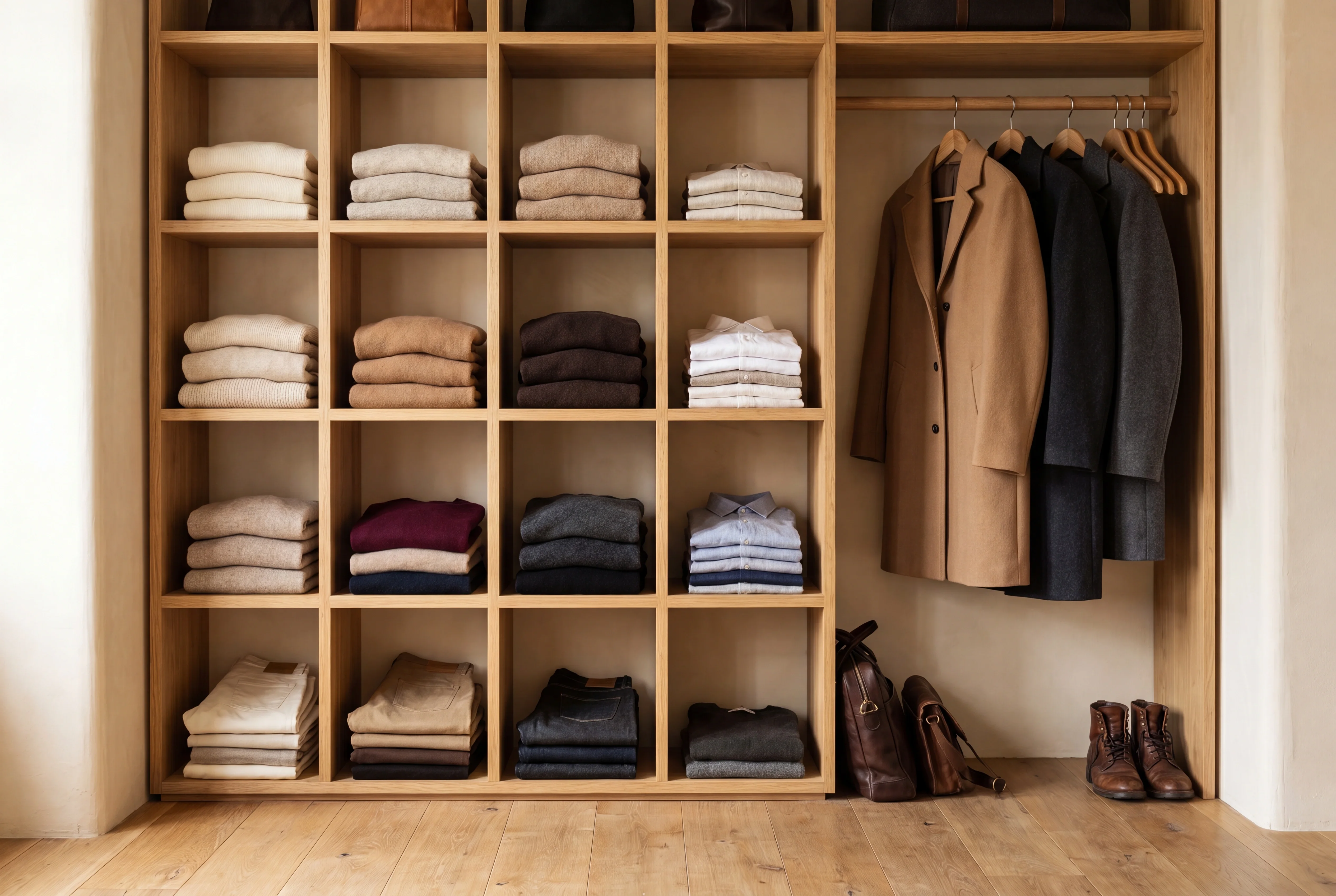
A reusable wardrobe
Every uploaded garment is analyzed once and stored, ready to reuse across all your future shoots.
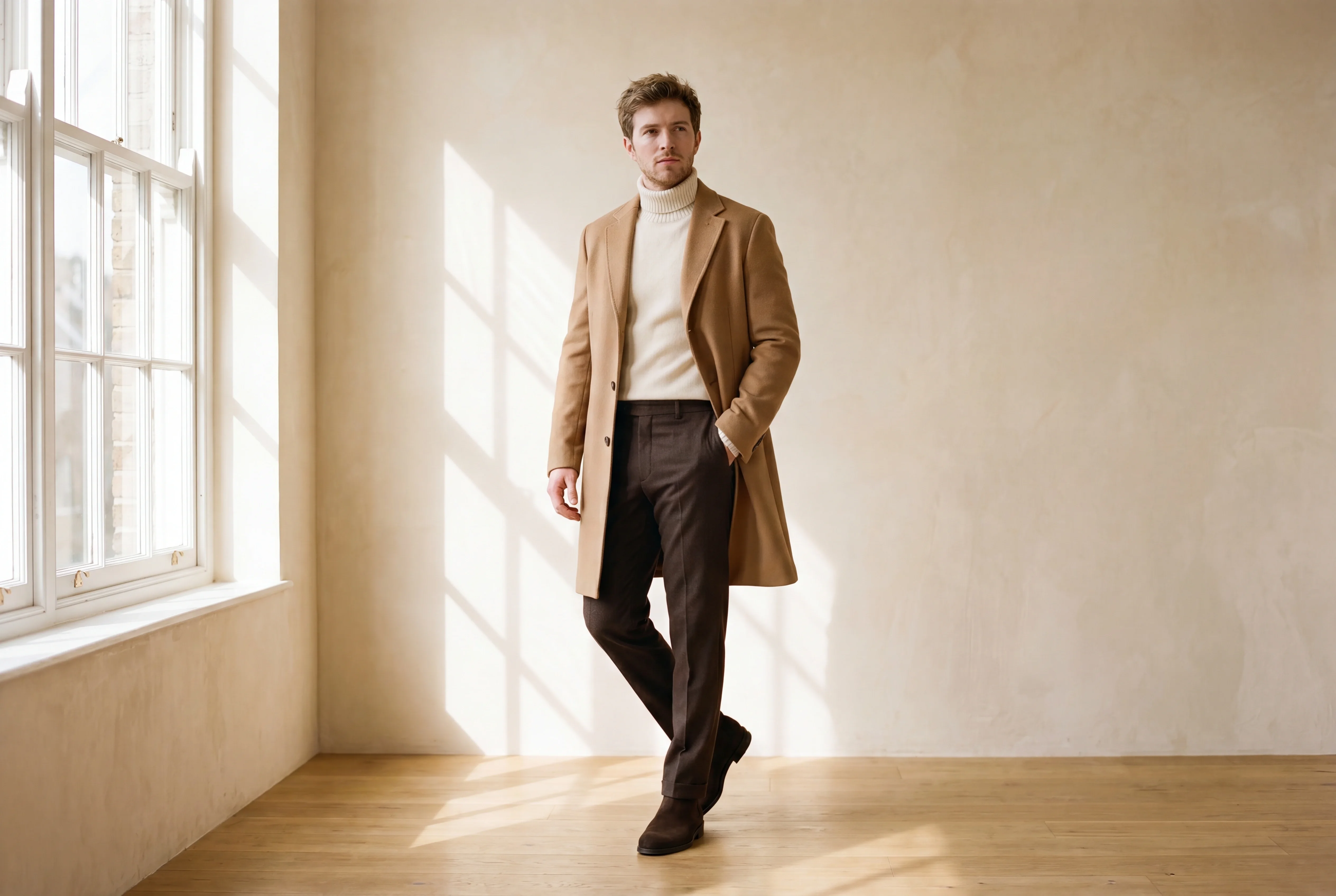
One-click regenerate
Same garment, same direction, a fresh take. No setup repeated.
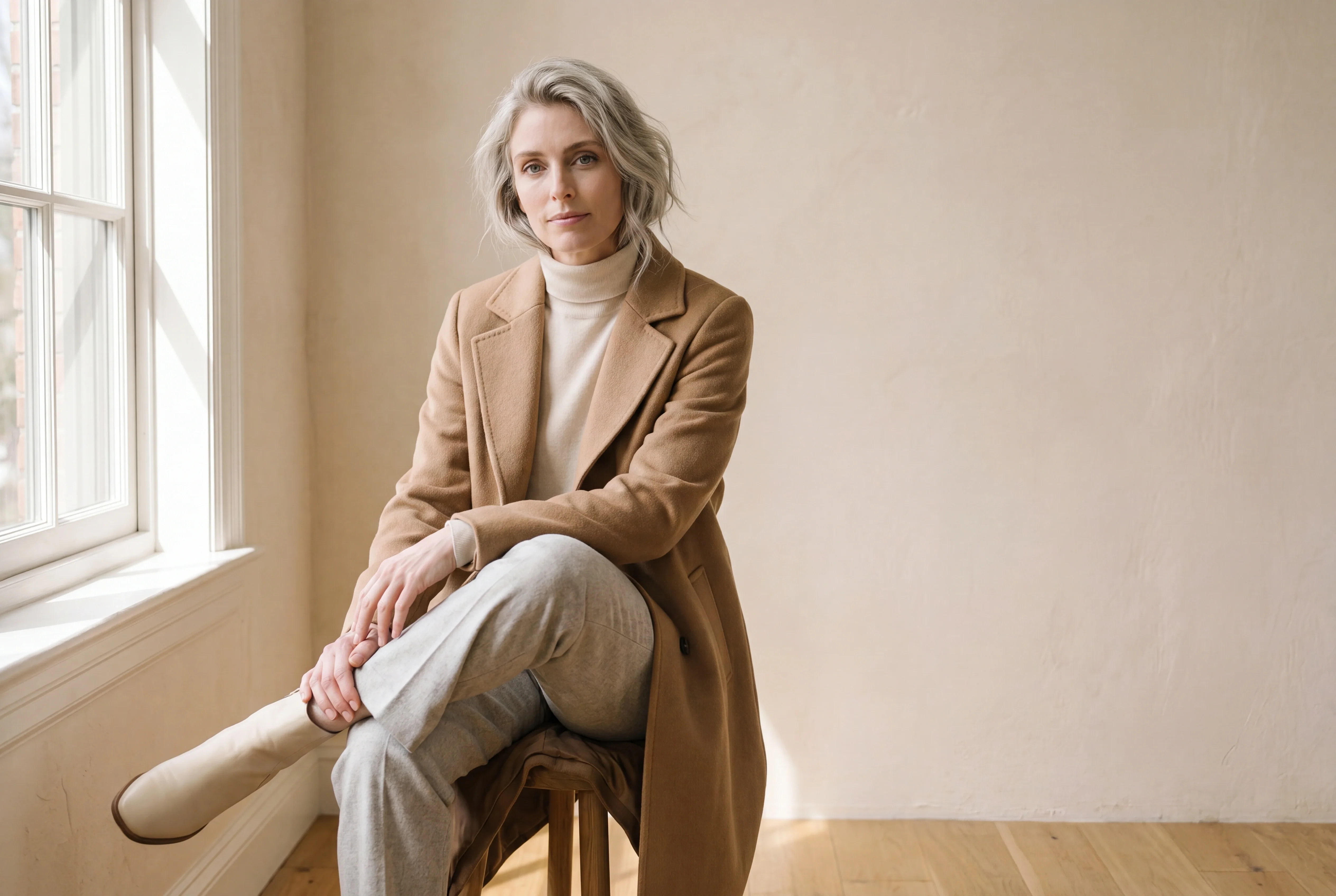
Share by link
Every asset has its own URL, so approval rounds are one paste away.
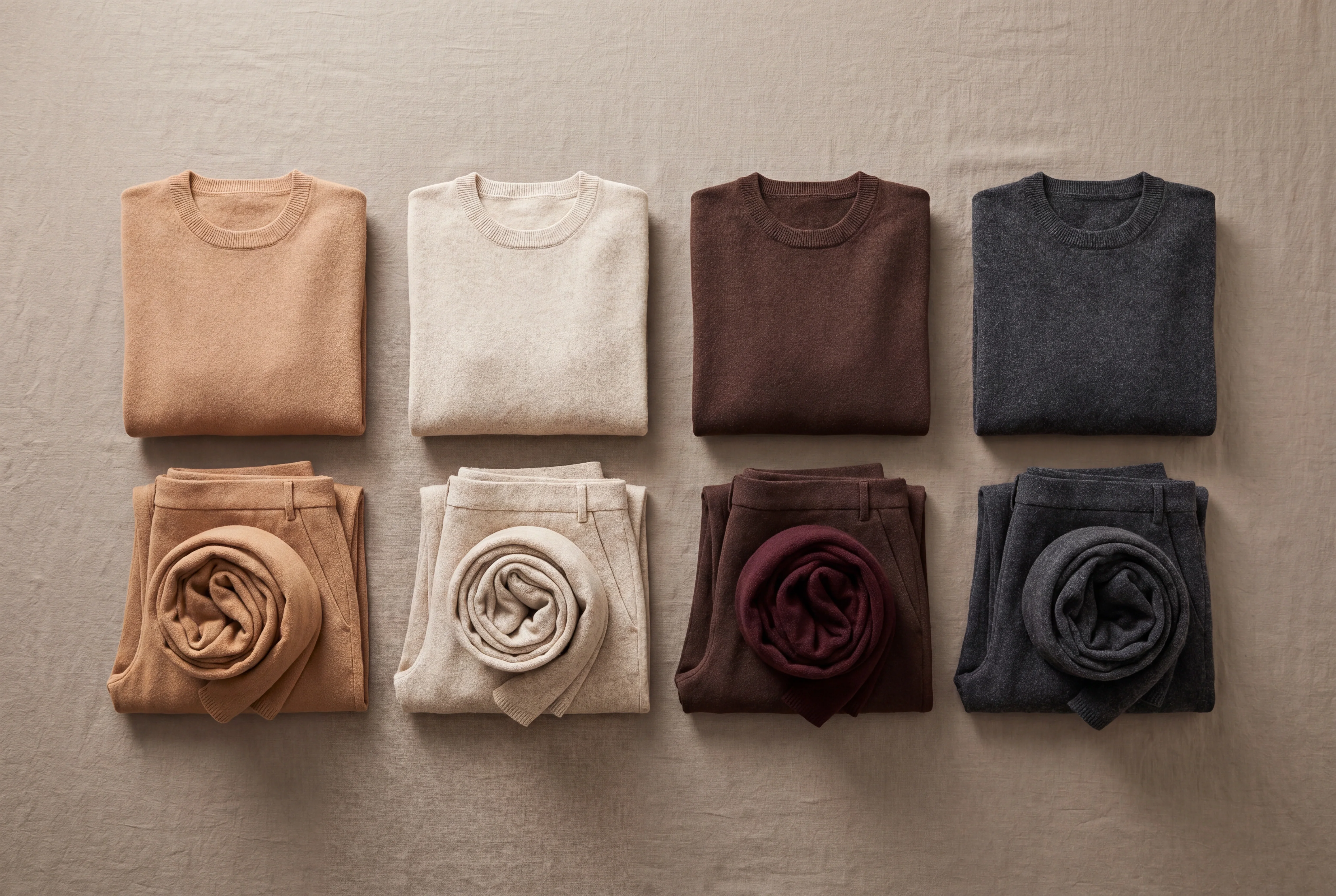
Download a whole collection
Collections download as a ZIP, organized one folder per look.
Studio questions
What can I edit after a shot is generated?
In the Studio you can edit any finished frame without reshooting it, from a single garment detail to the model, pose, framing or background. You paint over the region you want to change, describe the fix in plain words, and only that area regenerates. Every image you produce lands in the same workspace, ready to edit, regenerate, share or turn into video.
Can I change one detail without reshooting the whole image?
Yes. Brush over the area you want to change, describe what should be different, and Fashify regenerates only that region while the rest of the frame stays identical. This multi-region editing means a near-perfect shot does not have to be thrown away over one cuff, button or shadow.
How are wardrobe and assets organized?
Every garment you upload is analyzed once and stored in a reusable wardrobe, ready to drop into any future shoot without setting it up again. Finished images, looks and collections live alongside it in one studio rather than scattered across a downloads folder. Collections export as a ZIP organized one folder per look.
Can a team collaborate in the Studio?
Yes, and there are no per-seat fees, so your whole catalog or production team can work in the same studio. Every asset has its own shareable URL, which turns approval rounds into a single paste instead of email attachments. Pricing is credit-based, so adding people never raises the bill on its own.
Can I keep brand consistency across many products?
Yes. Because garments, models and direction are stored and reused, you can run product after product through the same model, lighting and framing to hold one visual identity across a catalog. One-click regenerate gives you a fresh take on the same garment with the same direction, so the look stays coherent as the collection grows. For a full collection at once, the Fashion Agency shoots every garment under a single visual identity.
Do I have to redo my direction every time I regenerate?
No. One-click regenerate reruns the same garment with the same direction for a fresh take, with no setup repeated. You only adjust what you want to change, whether that is a full new variation or a single brushed region.
Can I turn a Studio image into video?
Yes. Any still in your studio can be sent to Live Video to generate a short hyper-realistic clip, such as a model walking or turning or a product rotating. Clips run up to 5 or 10 seconds, and stills export at up to 4K.
The studio is open.
Start with the free shoots and put real work through it.