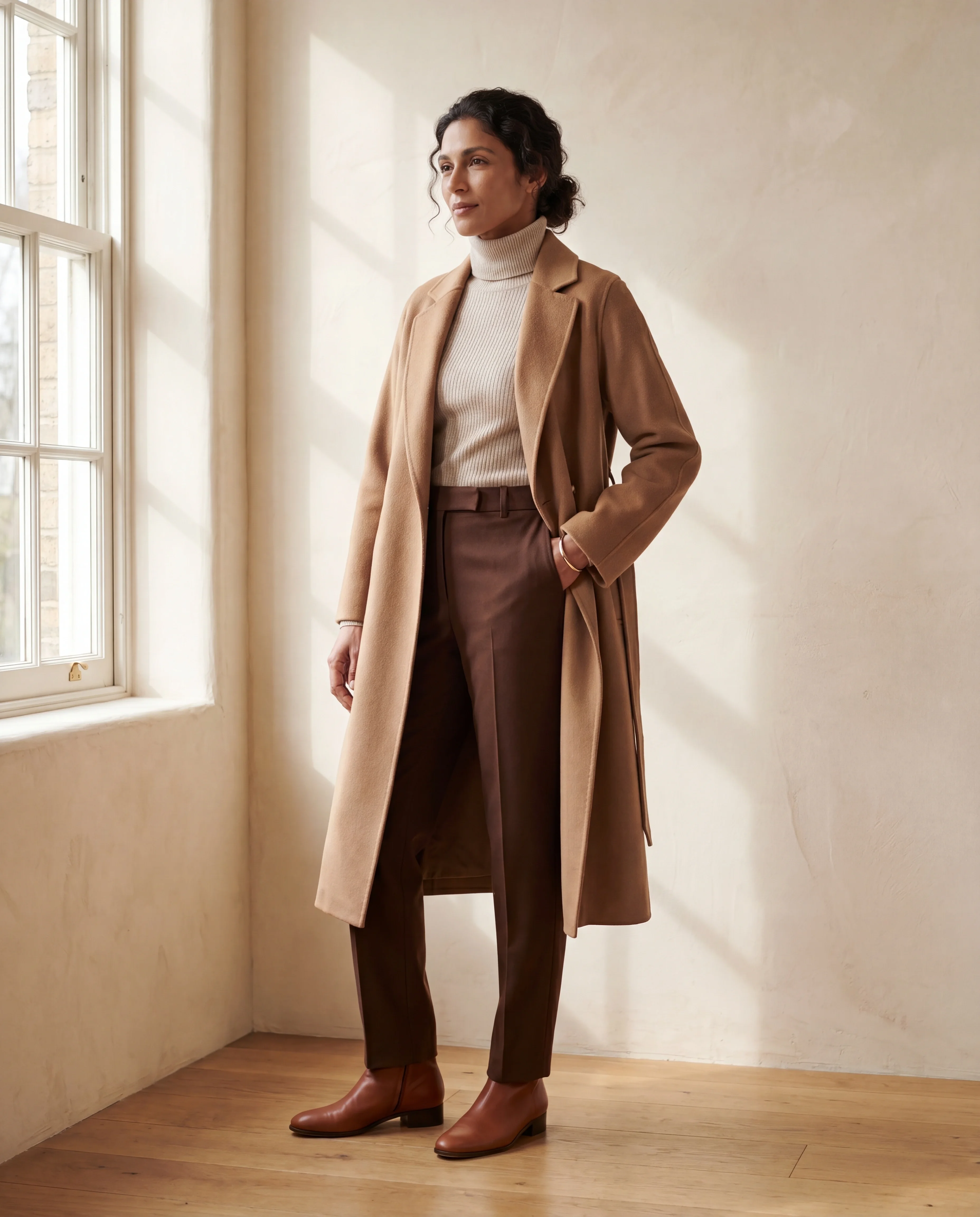
On-model
Lifelike models wear your actual garment, any setting.

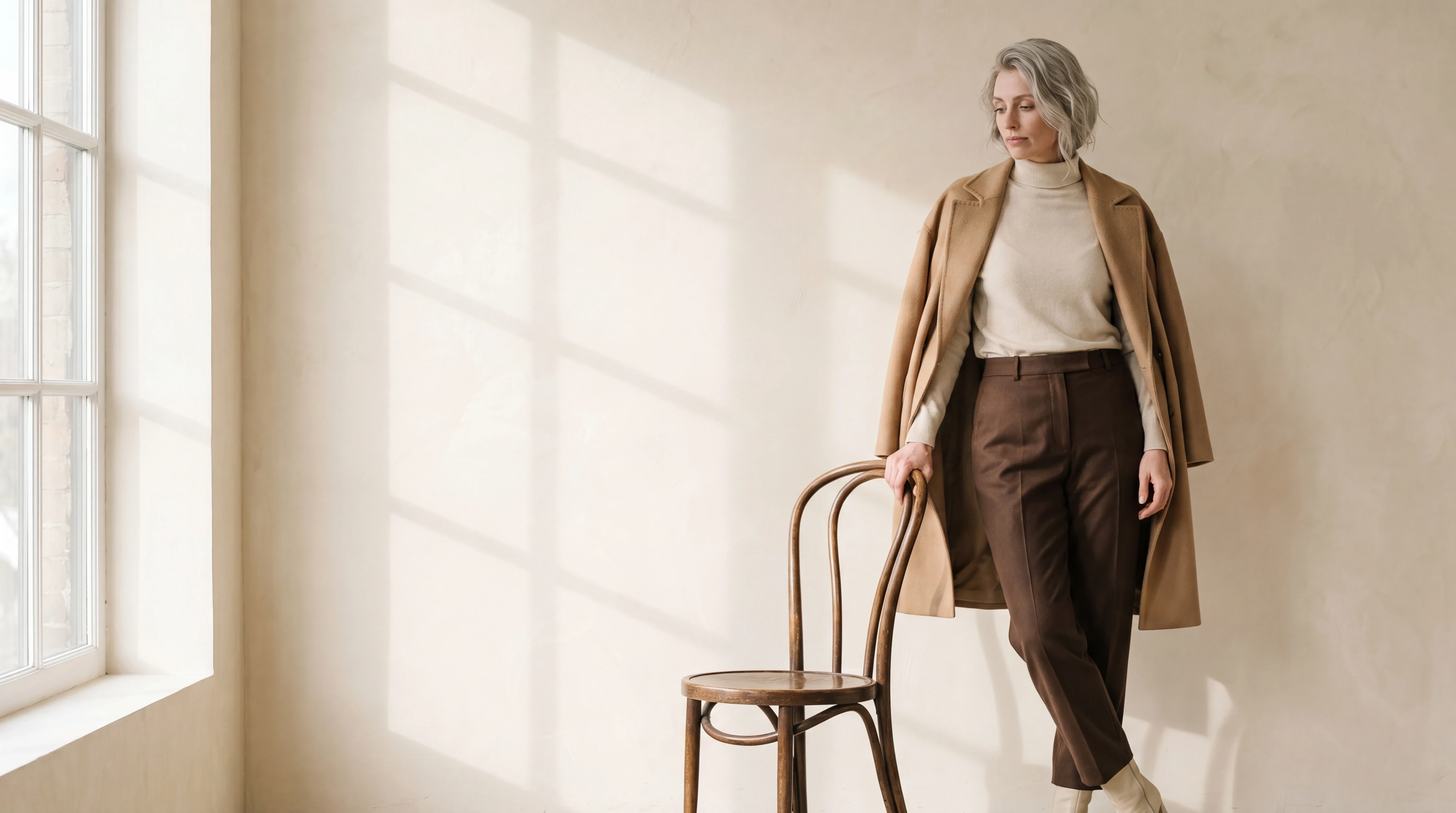
How it works
No studio, no model booking, no retouching hours.
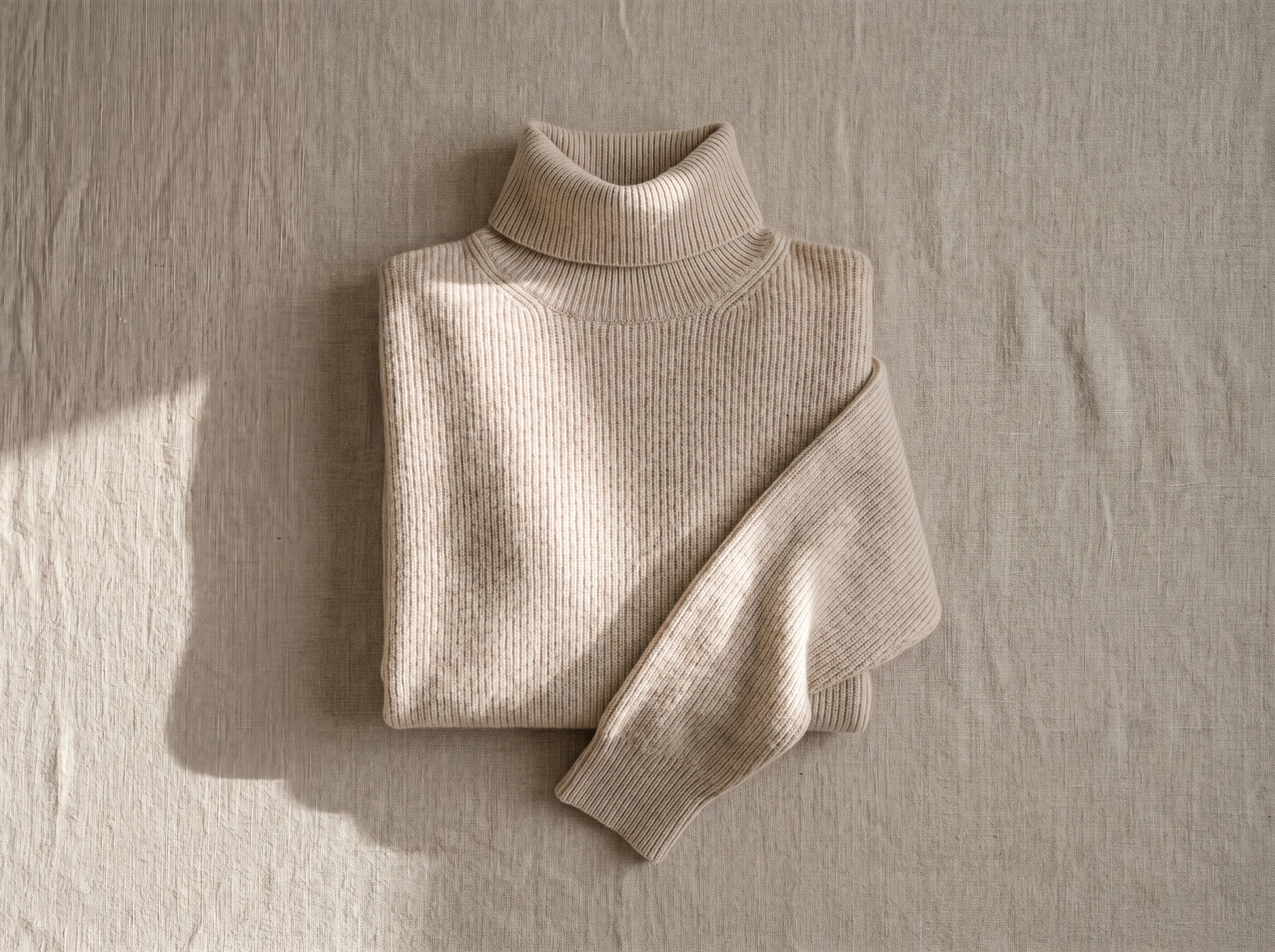
One flat photo of the piece is enough.
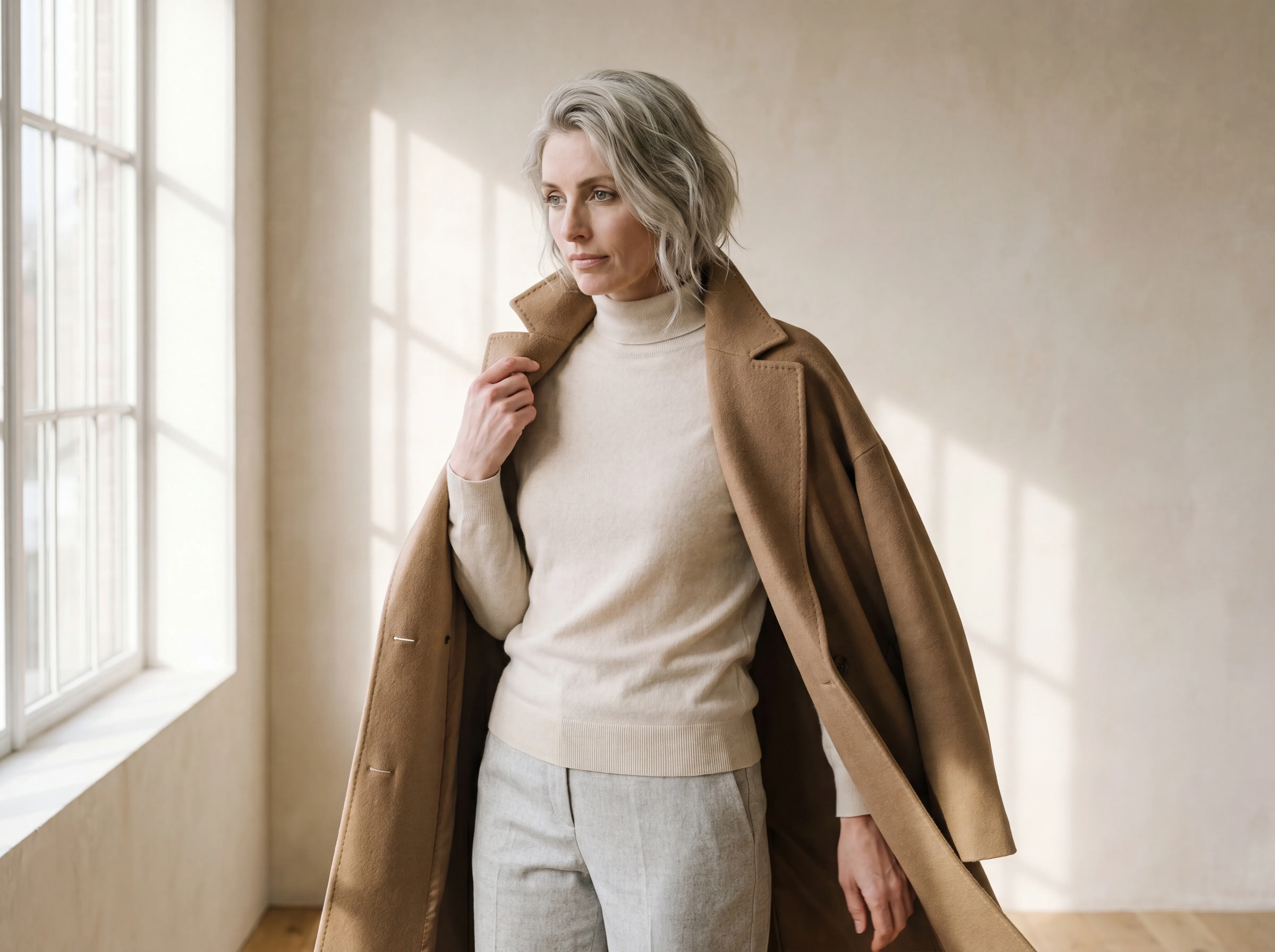
Pick the model, pose, framing and environment.
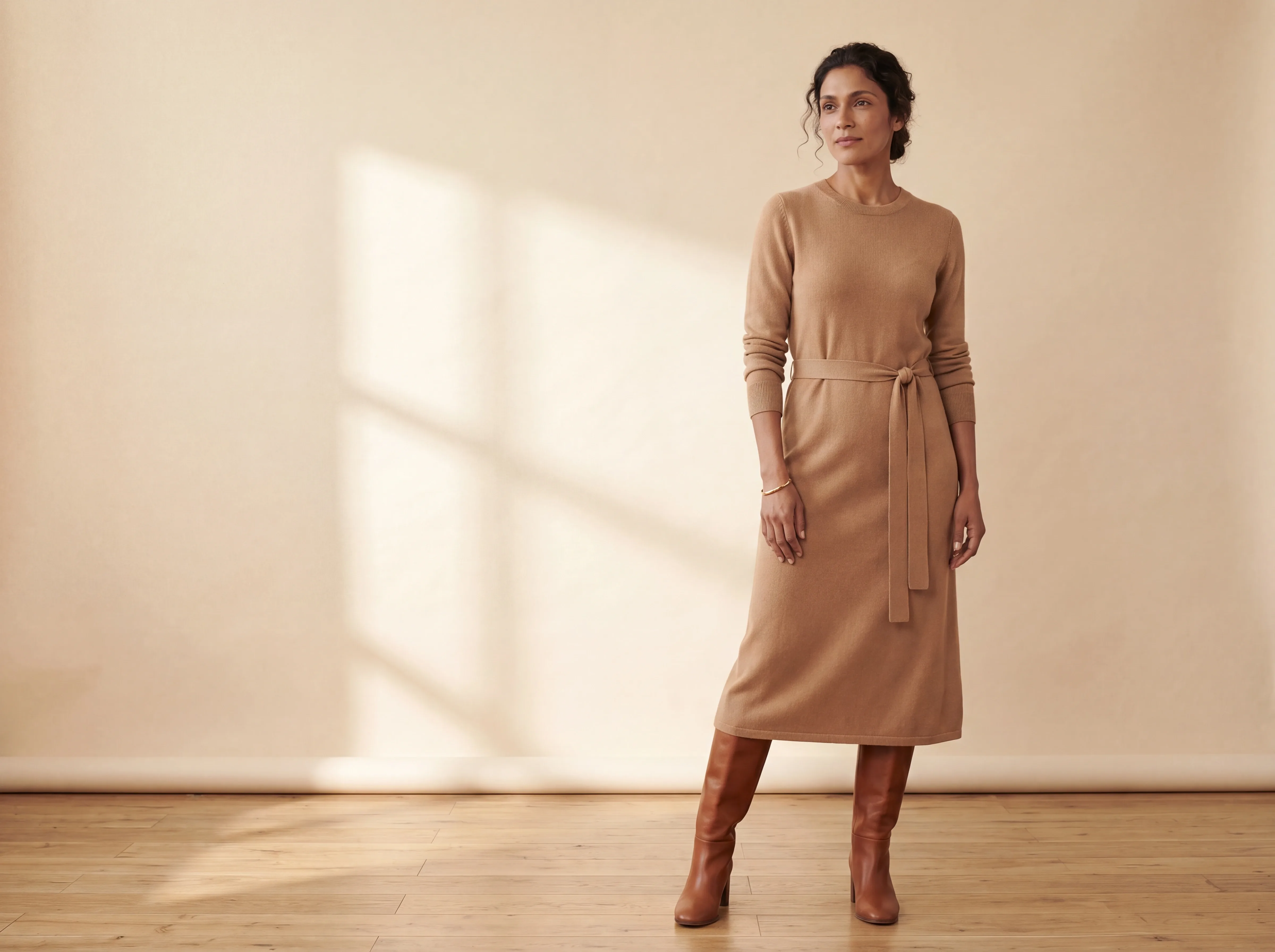
On-model images, ready for your store.
Four ways to shoot
One upload, the presentation your store needs.
Lifelike models wear your actual garment, any setting.
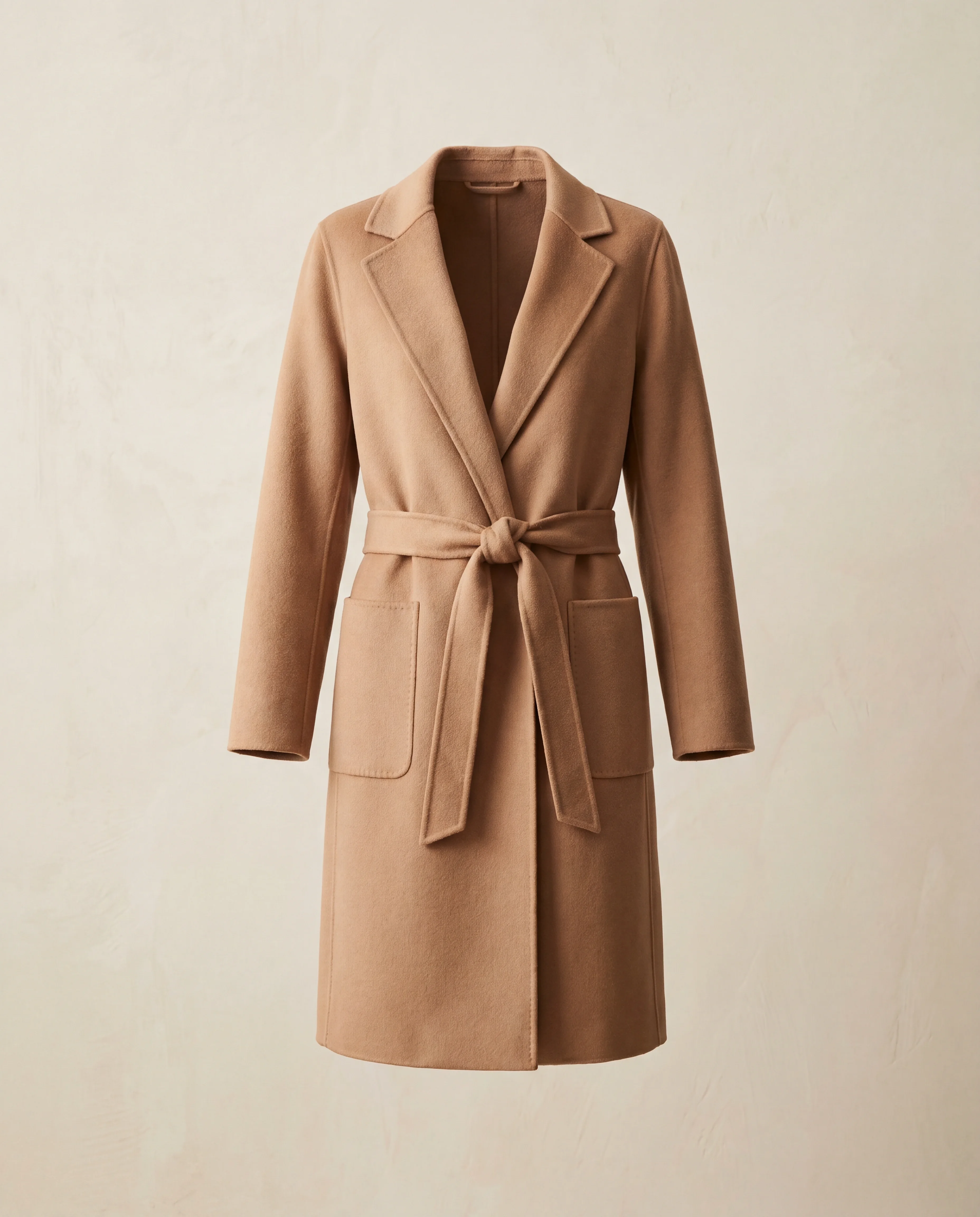
The garment keeps its worn shape with nobody inside it.
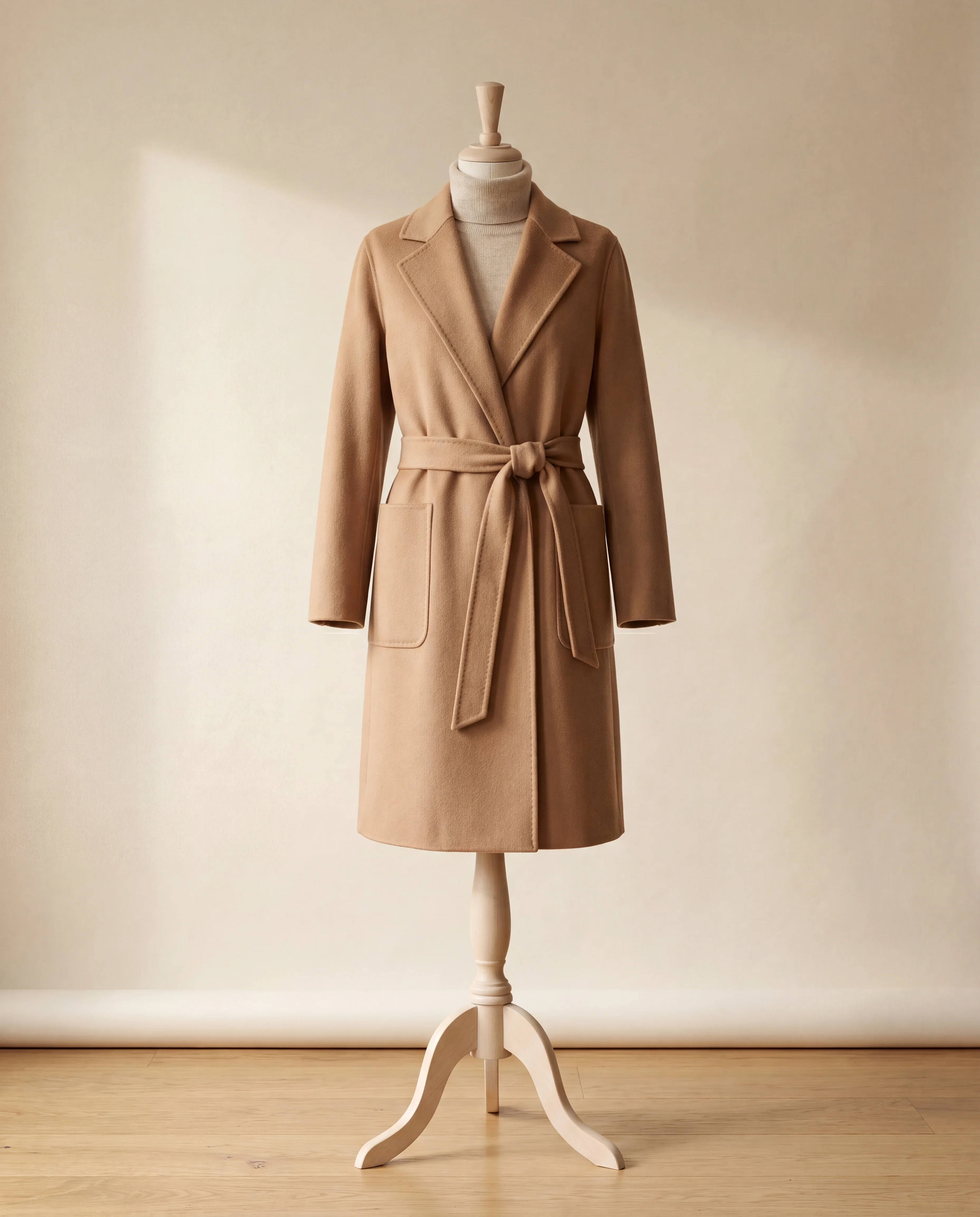
Classic dress-form presentation for catalogs.
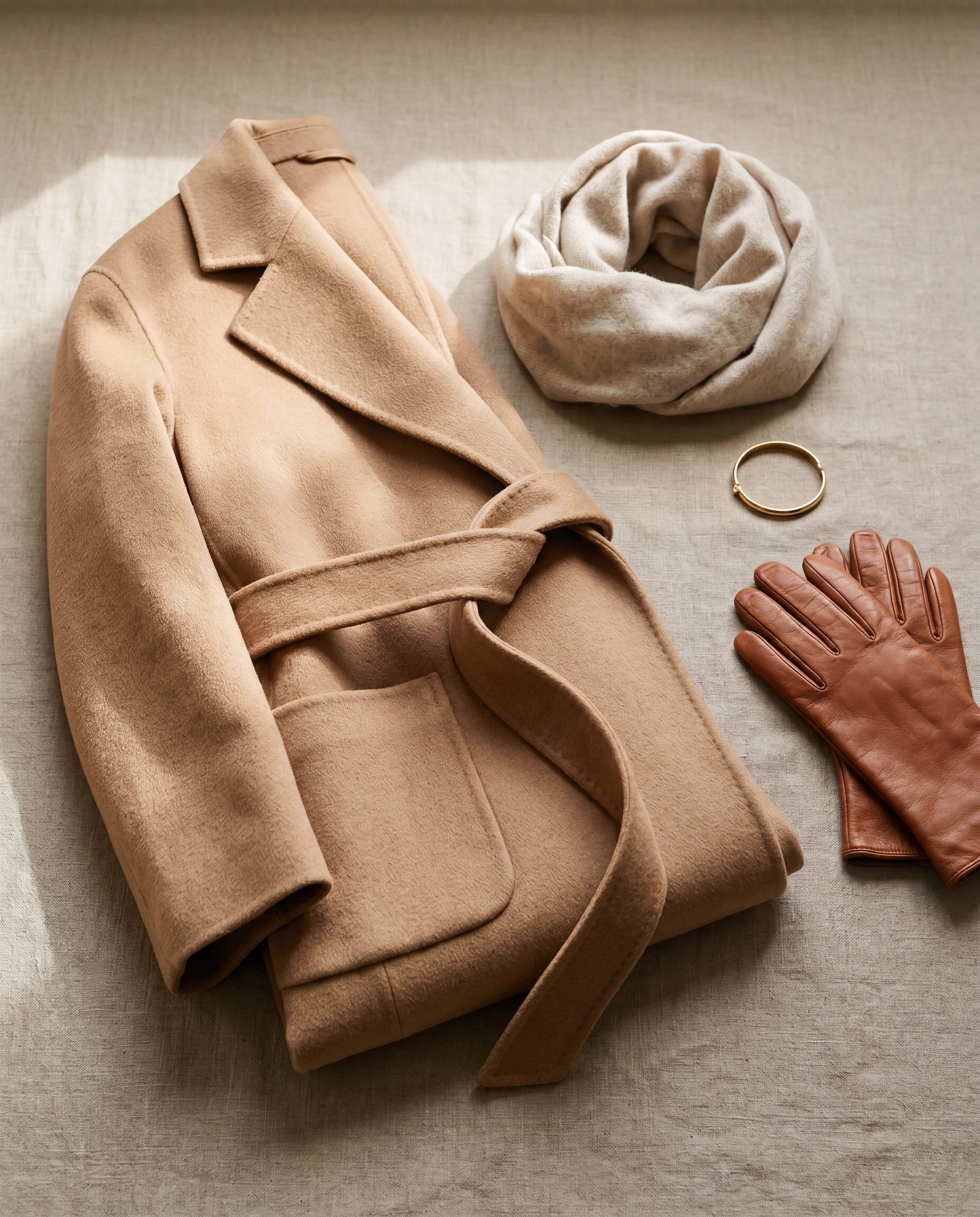
Standalone items with art-directed scenes.
You direct
Every shot is built from real art-direction choices, not a random roll.
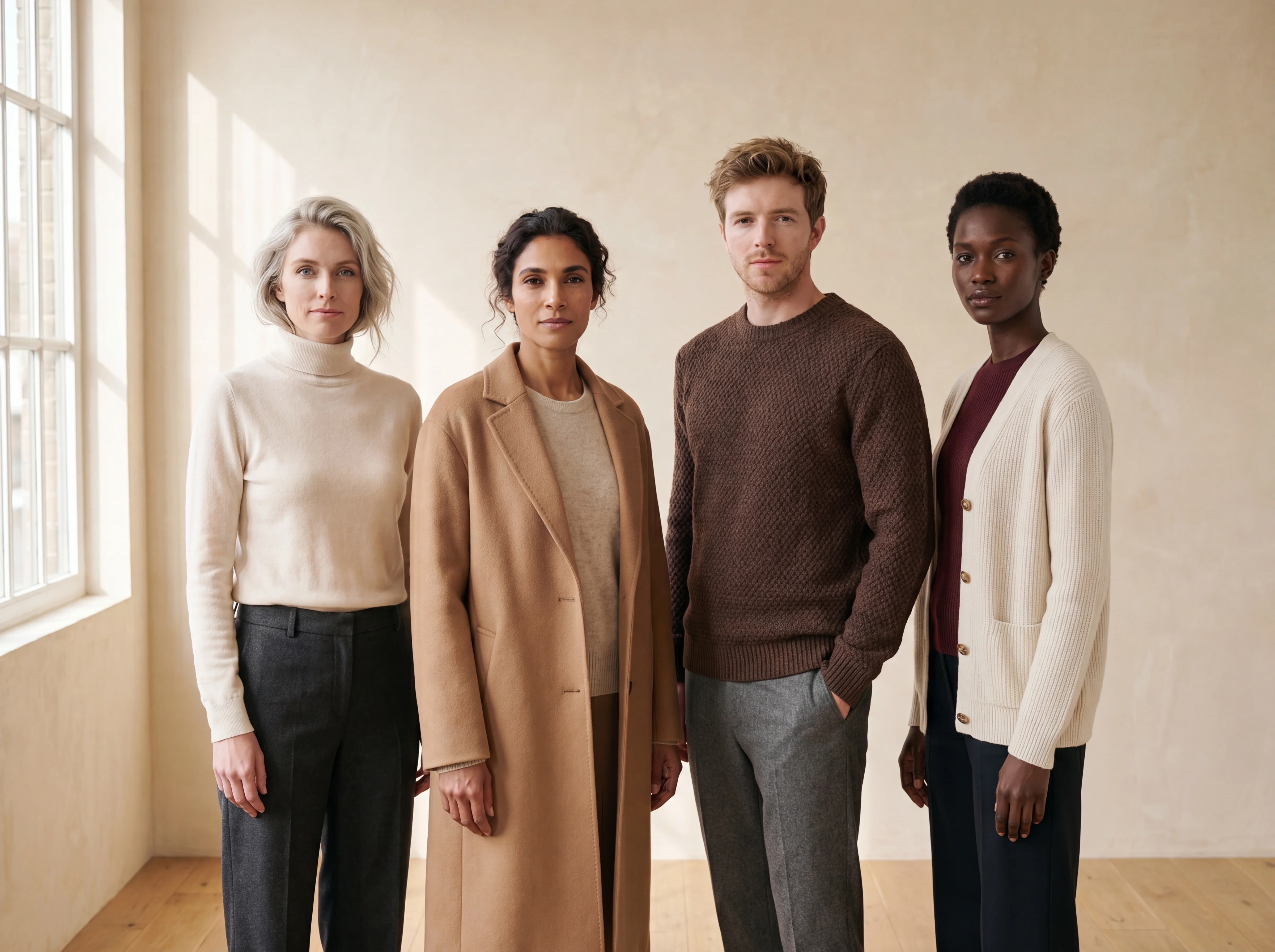
Gender, age, skin tone and hair, or keep one reference model across your whole catalog for a consistent face.
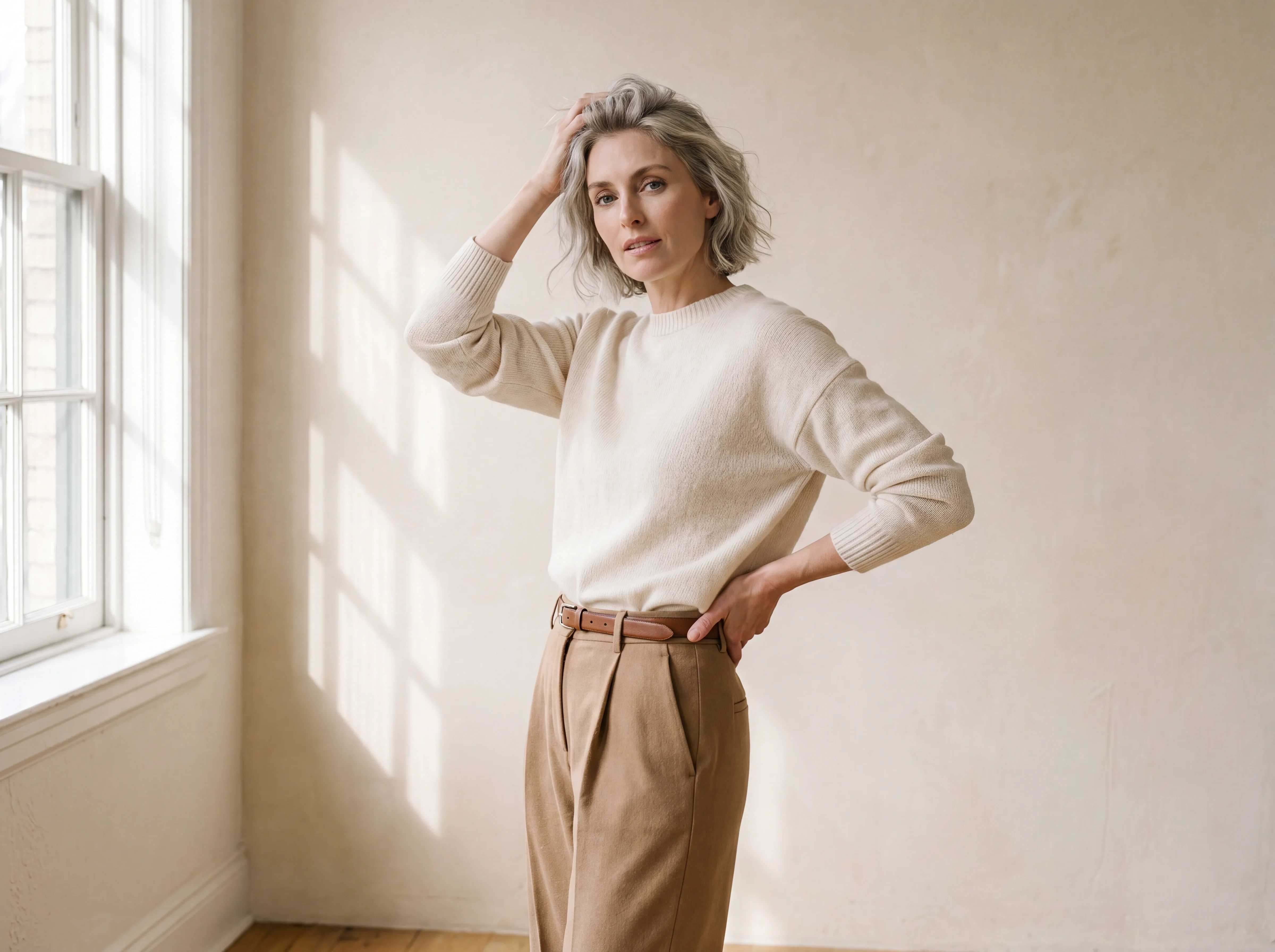
Pick a stance that fits the garment, from relaxed to confident, with natural variety across a shoot.
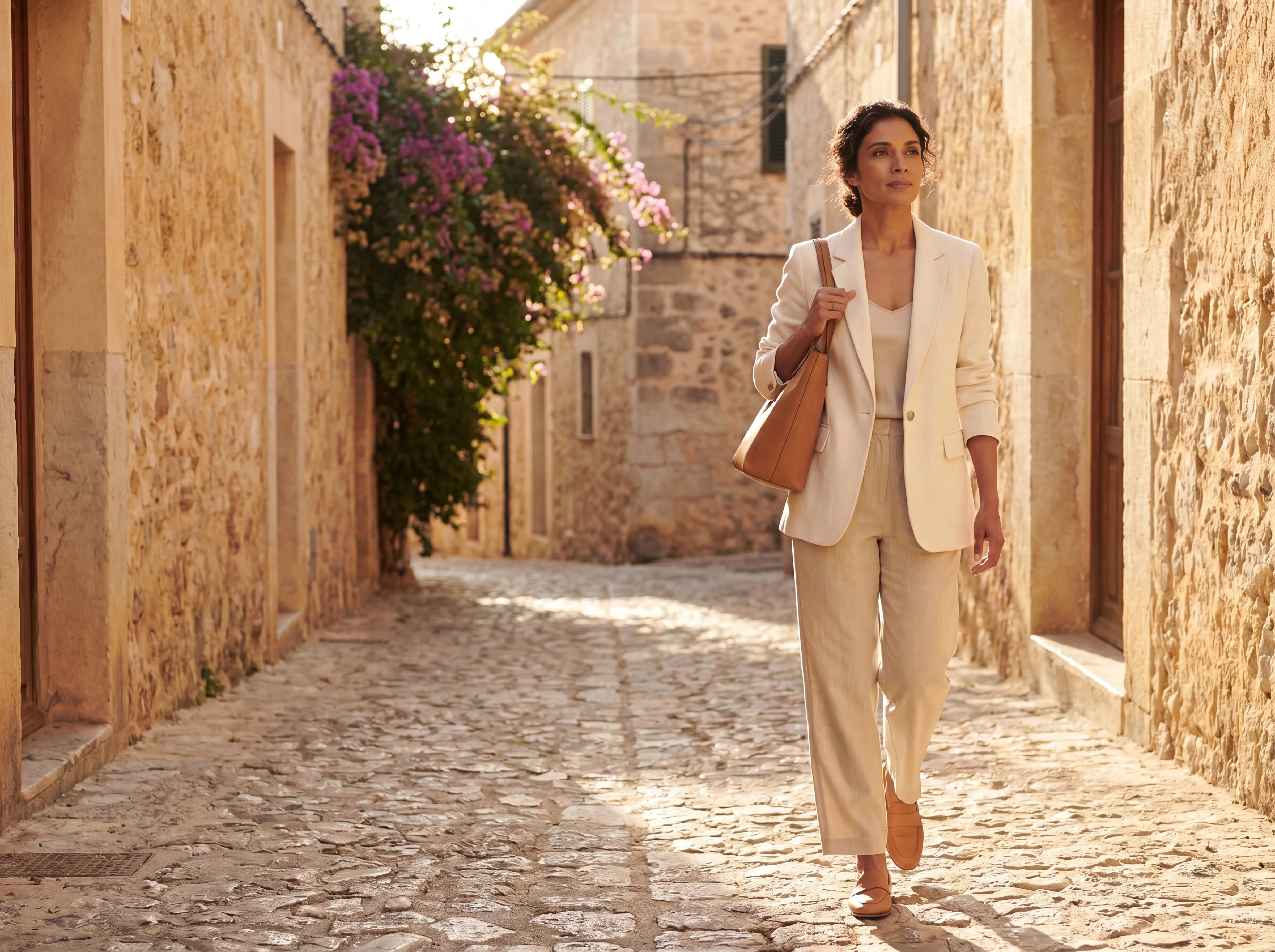
From clean white studio to an urban street, choose a backdrop that matches your brand world.
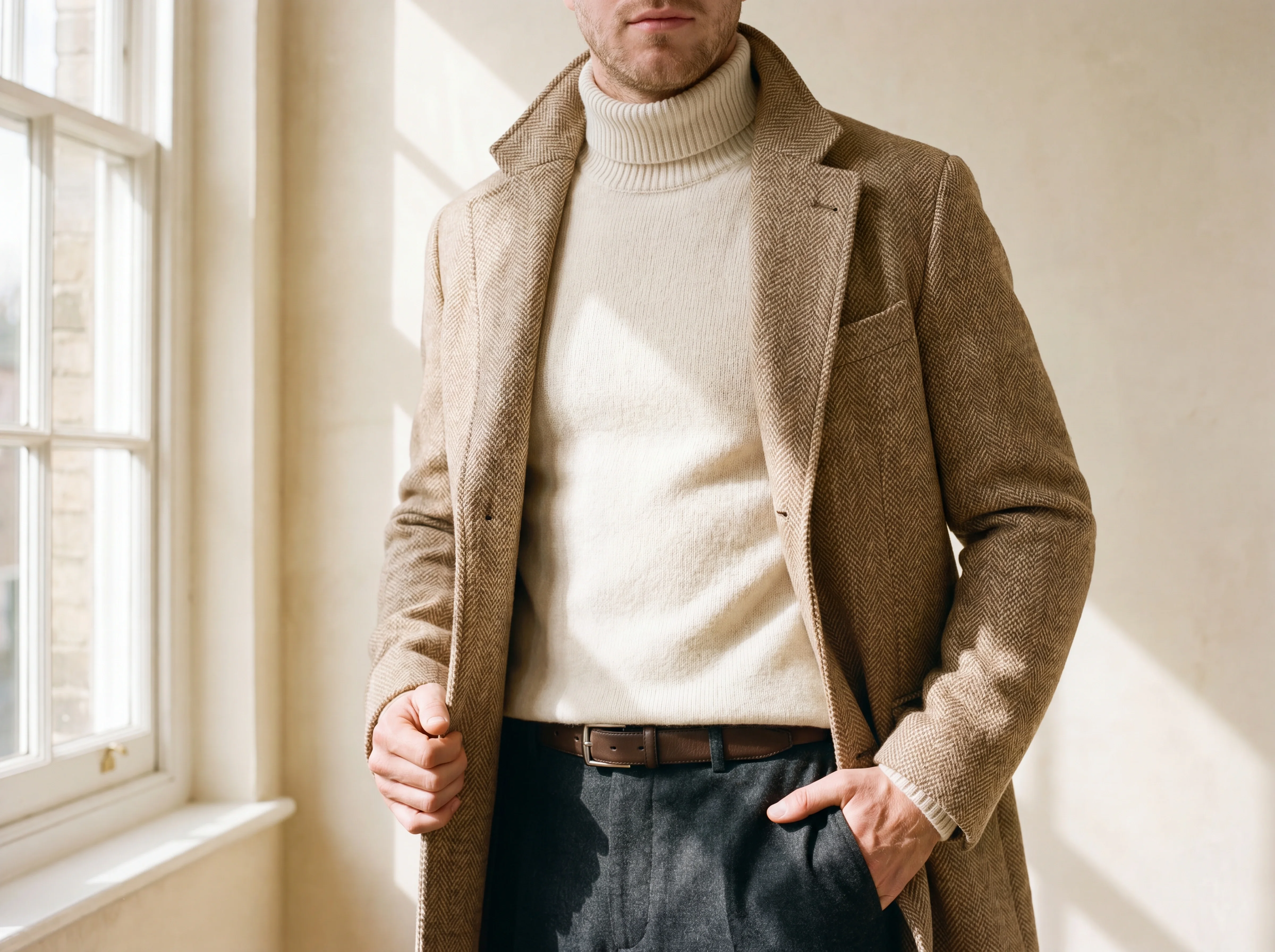
Close-up for detail, full body for the silhouette, any orientation you need.
Fashify's on-model images are hyper-realistic at up to 4K, with believable skin, hair and fabric drape that read as a real studio shoot at marketplace scale. The studio is built for commercial fashion output, not stylized renders, so faces, hands and garment fit hold up under close inspection. You direct the casting, so the model always fits your brand world.
Yes — you can lock one reference model and reuse that same face across your entire catalog for a consistent look. This lets a boutique or brand build a recognizable house model without rebooking a person for every drop. You still control pose, framing and environment shot to shot.
Yes — Fashify shoots your actual uploaded garment, preserving its cut, color, print and key details rather than inventing a similar-looking piece. Because the model and scene are directed around your real product, the result is true enough for a product detail page. We recommend a clean, well-lit flat photo so fine details and color carry through faithfully.
One clear flat photo of the garment is enough to start a shoot — no studio, model booking or retouching required. A clean, evenly lit image on a plain background gives the truest color and detail. From that single upload you can produce on-model, ghost-mannequin, mannequin and product shots.
Yes — you direct the model, pose, environment and framing for every shot, from a clean white studio to an urban street. Nothing is a random roll; each image is built from real art-direction choices, so you can match your brand world and get natural variety across a shoot. You can frame tight for detail or full body for the silhouette in any orientation you need.
Yes — Fashify exports up to 4K stills that meet the resolution and clarity expectations of marketplace listings and product detail pages. Ghost-mannequin and clean on-model shots give you the standardized, distraction-free presentation that e-commerce catalogs require. Because you direct framing and background, you can match each marketplace's image guidelines.
Yes — images you generate on Fashify are yours to use commercially across your store, marketplace listings, ads and social channels. You upload your own product and direct the shoot, so the output is made for your catalog. For specific licensing terms at enterprise scale, our team can confirm the details for your contract.
On-model, ghost and mannequin are open to every new account.